10 free JotKite doodles for your blog posts
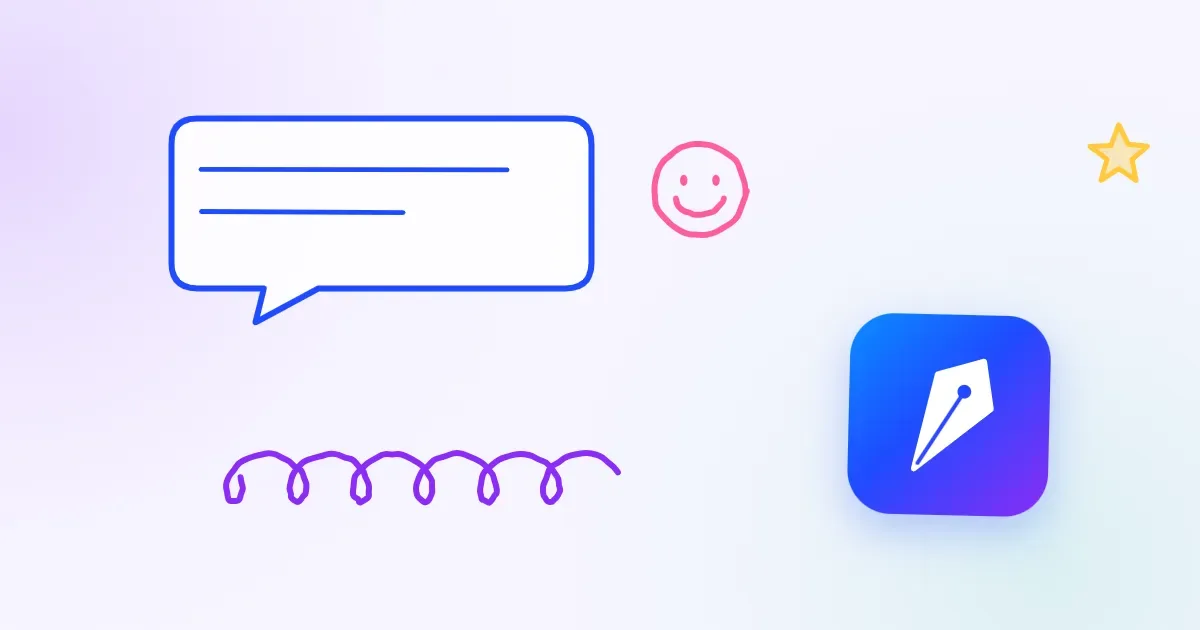
Not every post comes with a photo. Sometimes it's a quick update, a tip or a thought, and an empty space where the image should be.
So we drew 10 featured images for exactly those posts: scribbles, smileys, a paper plane, a coffee cup, a lightbulb, and our kite-nib logo flying somewhere in each one.
- Featured-image size: 1200×630, which is also right for WhatsApp, Facebook and LinkedIn previews
- Light: WebP, about 15 KB each, so your pages stay fast
- Free to use: on your blog, website or social posts, personal or commercial. No sign-up, no credit required (a link back is always appreciated 🙂)
| # | Look |
|---|---|
| 01 | Kite flight: the logo high on the right, a dotted string down to a smiley |
| 02 | Notebook scribbles: dot-grid paper, pen loops, heart and stars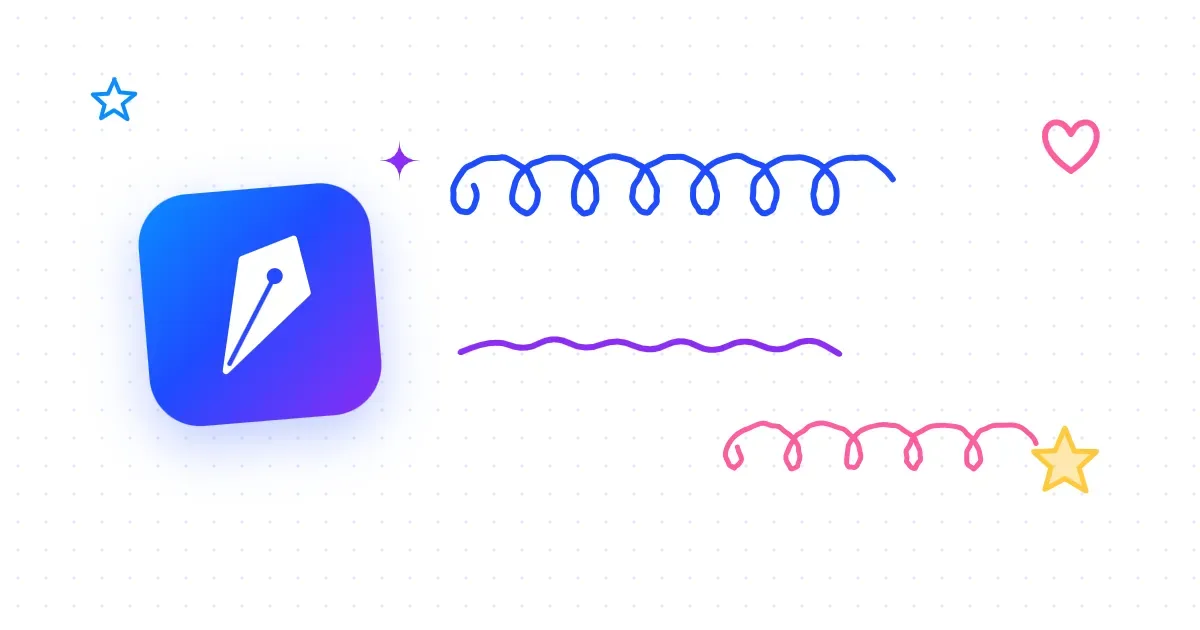 |
| 03 | Happy note: a big faint smiley, a paper plane trail, confetti |
| 04 | Morning coffee: a steaming cup, little hearts, warm cream background |
| 05 | Big idea: a lightbulb with rays, an arrow sweeping to the logo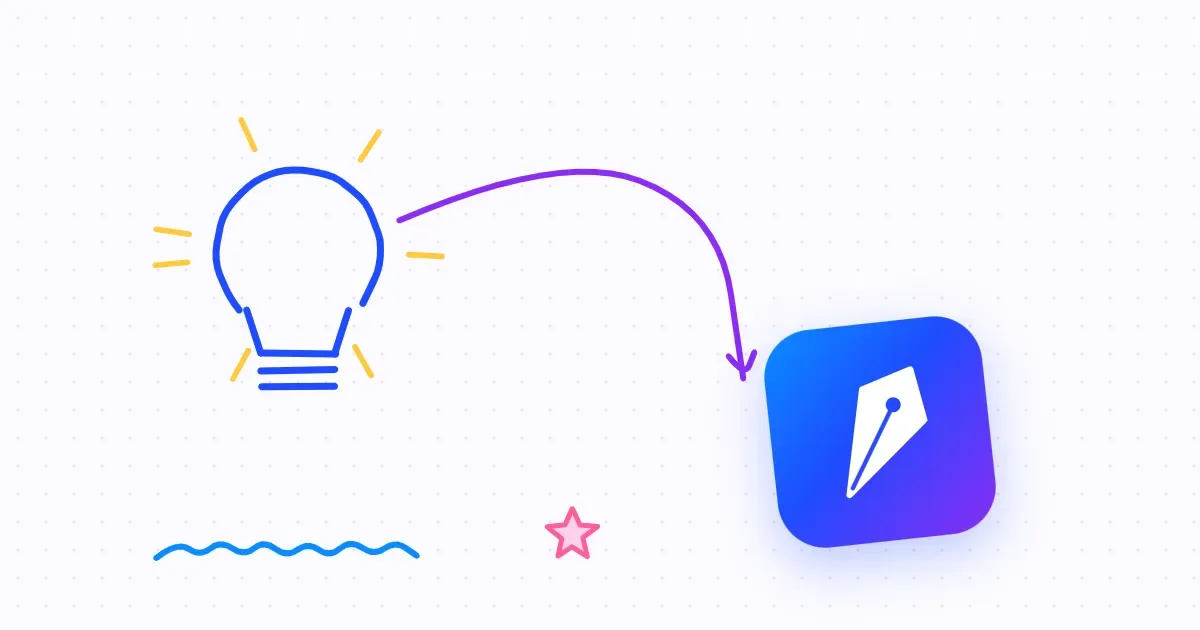 |
| 06 | Sky day: the logo as a kite with a bow tail, clouds and a sun |
| 07 | Say hello: a speech bubble, a smiley, scribble loops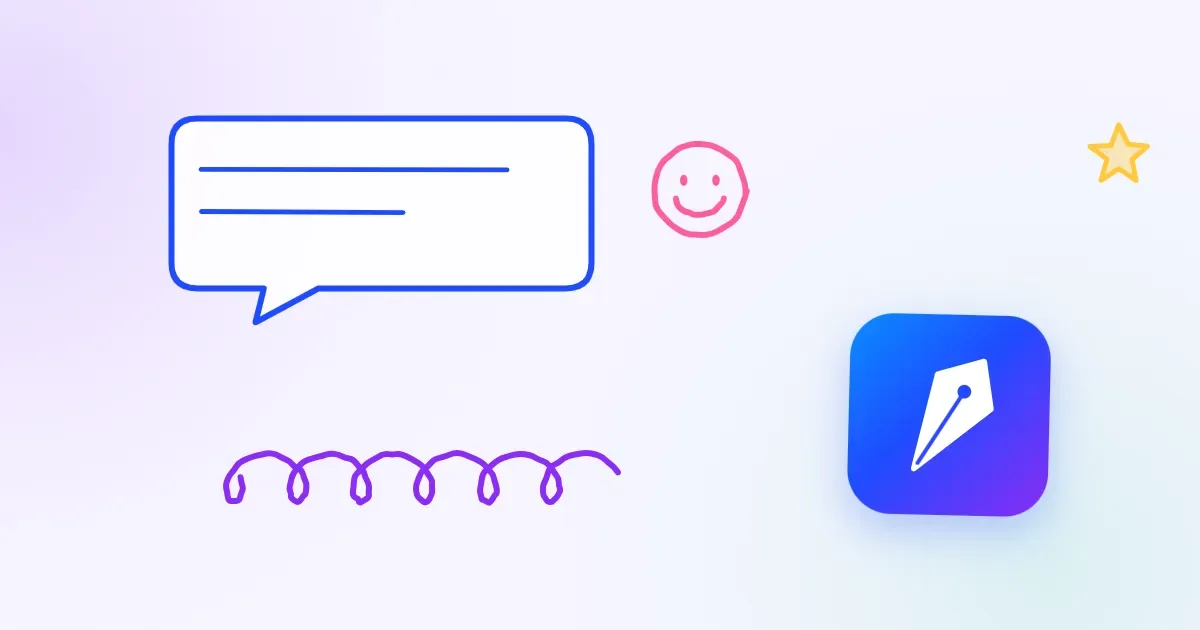 |
| 08 | Confetti party: the logo centred in confetti, stars and squiggles |
| 09 | Corner kite: the logo top-left, a long looping string, a cloud and a smiley sun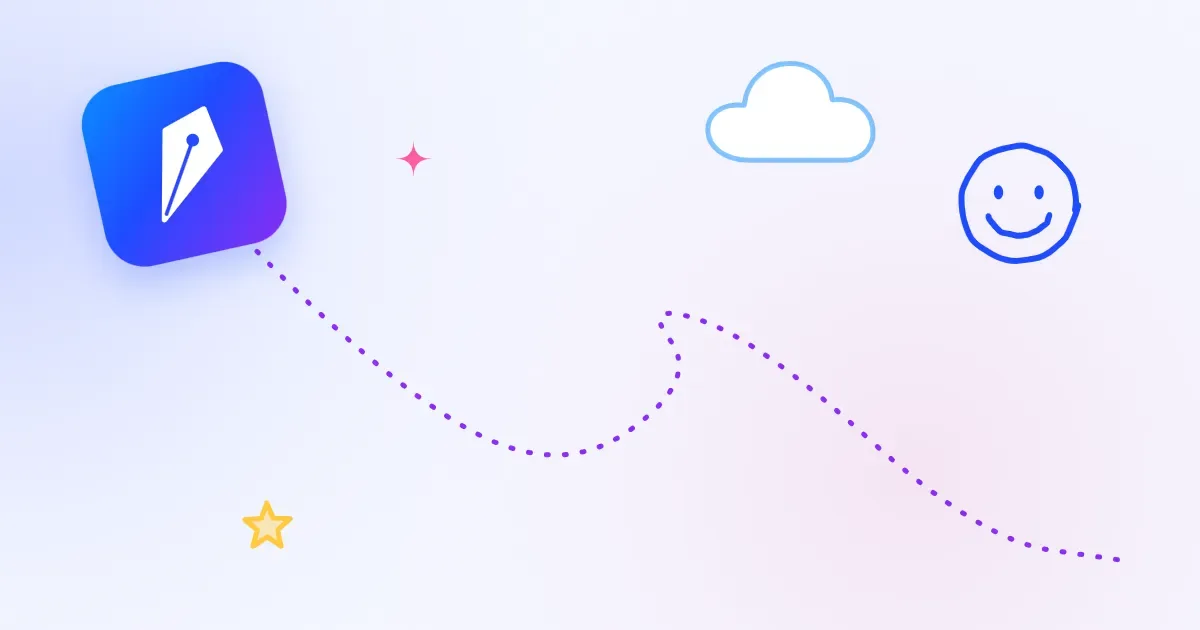 |
| 10 | Clean notebook: lined paper with a margin, pen loops, a small logo stamp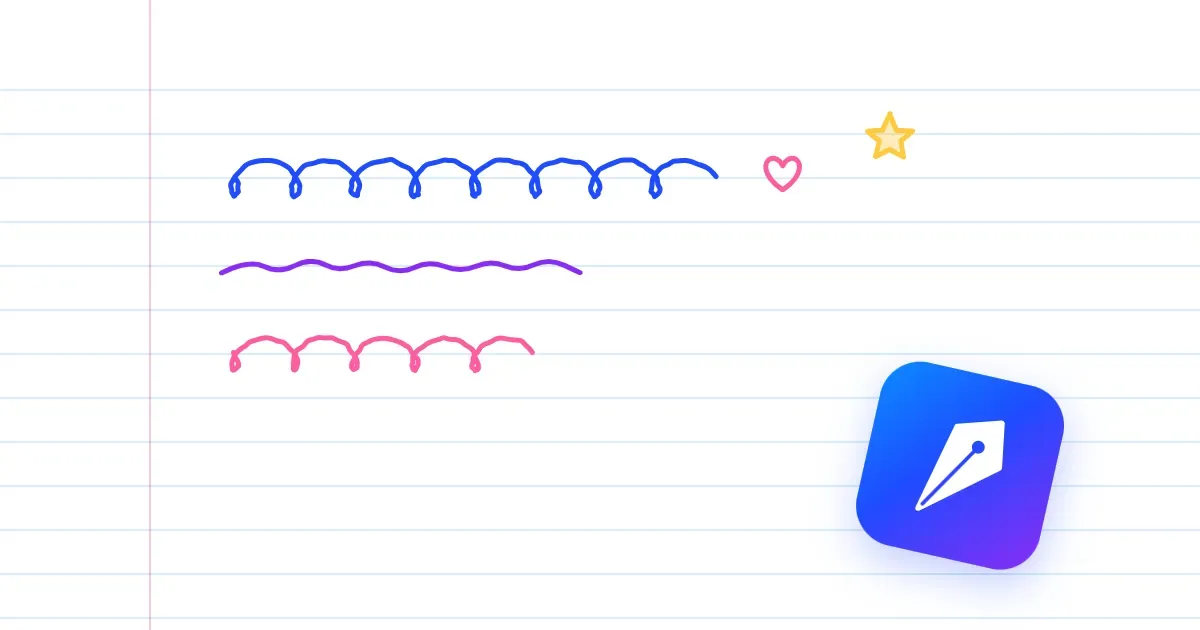 |
Using JotKite? You don't need to download anything. Go to Settings → Design → Posts without an image show and choose JotKite illustrations. Every post without a picture gets one automatically, and it always keeps the same one: on the post, in your blog list and in link previews.
Download: